Tue, Feb 17, 2026
What is Beacon Technology?
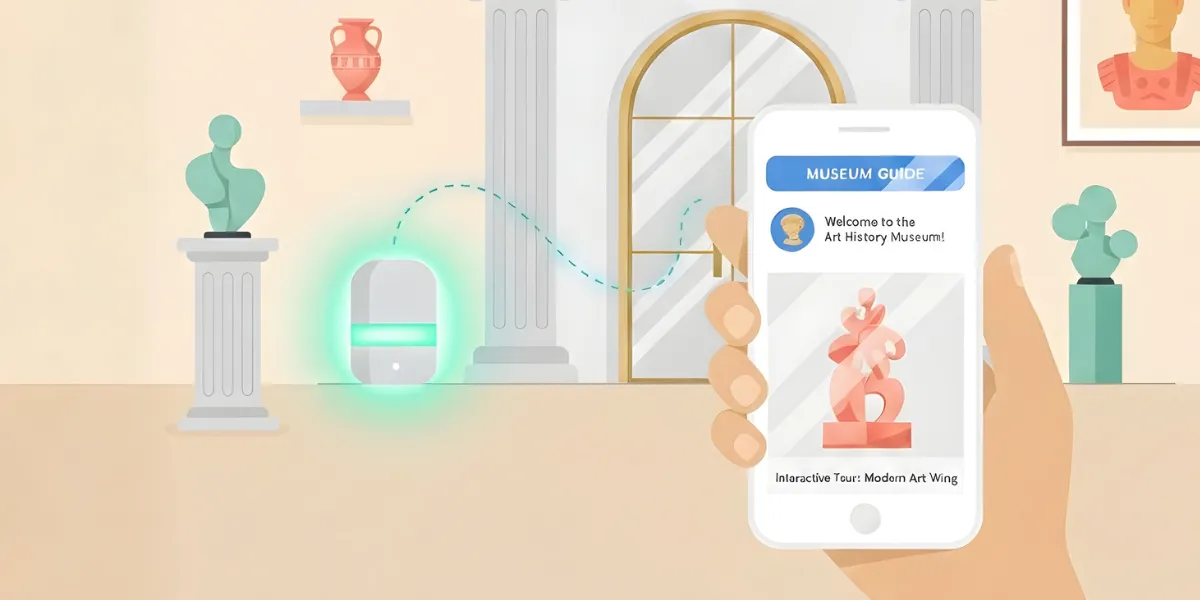
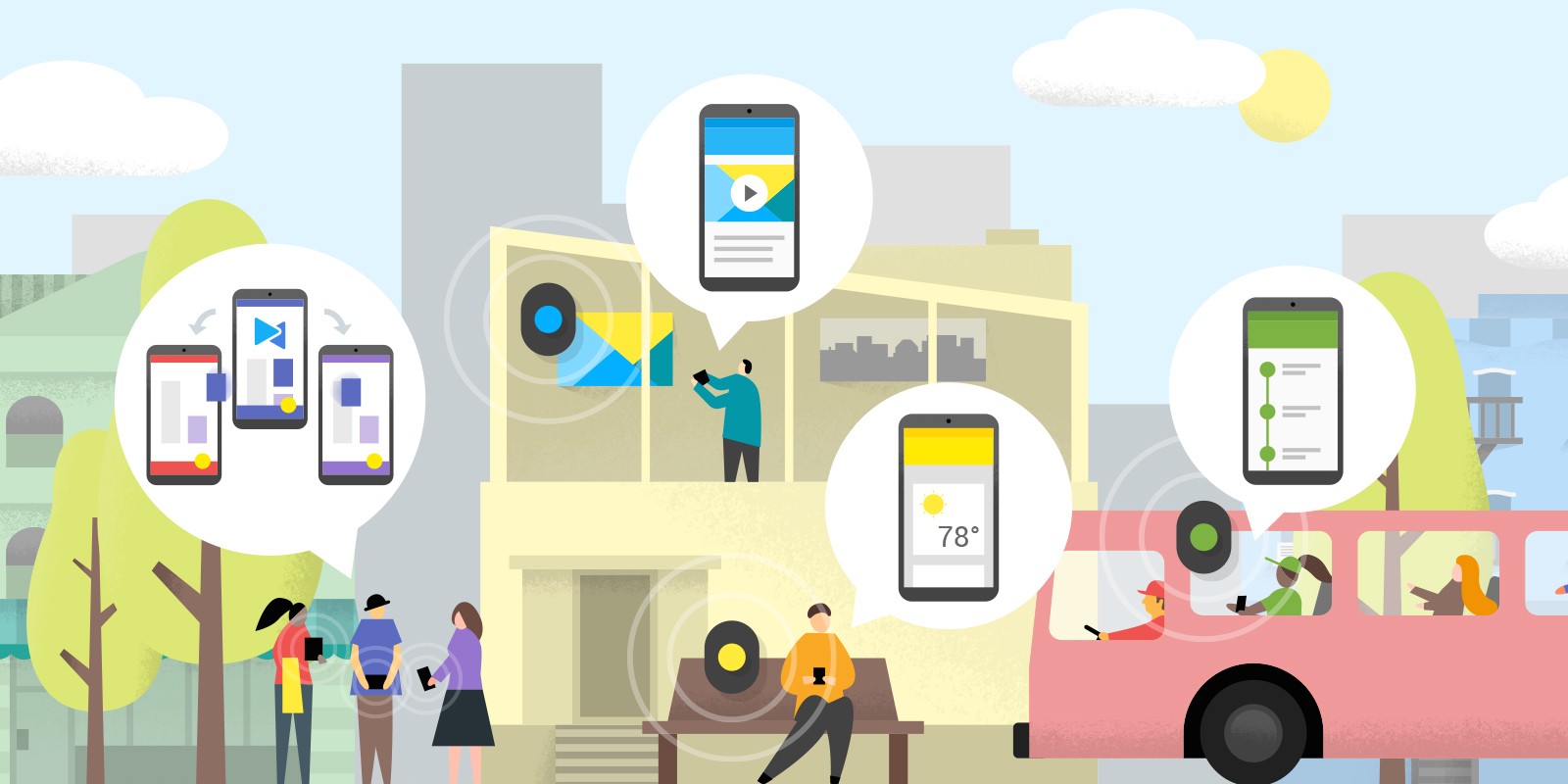
Have you ever visited a museum where your phone displayed exactly the right story, at the right time, in front of the right exhibit? That’s Beacon technology. These small Bluetooth transmitters open the door to contextual, location-based experiences and they’re more accessible than you might think.
In this article, we’ll explain how beacons actually work, what they do well (and not so well), and how to deploy them in a real project whether you’re building a museum app, a guided tour, or an in-store experience.
What is a Beacon?
A beacon is a small physical device that emits a signal via Bluetooth Low Energy (BLE). Think of it as a miniature lighthouse: it doesn’t know who’s listening: it simply broadcasts its identifier at regular intervals. When a smartphone or tablet comes within range, it picks up the signal and can trigger content tailored to the context: a story, a video, a quiz, safety instructions.
The key takeaway: a beacon doesn’t send content. It simply says “I’m here and my identifier is X.” It’s the application on the user’s device that decides what to do with that information.
Apple introduced iBeacon technology in 2013, and since then, it has matured considerably. Beacons are now used in museums, retail, corporate campuses, industrial sites, and events, anywhere you need to connect a physical location to a digital experience.
How Does Beacon Technology Work?
The principle is simple:
- The beacon broadcasts: it continuously emits small Bluetooth packets containing its identifier: a combination of UUID, major and minor values that make each beacon unique.
- A nearby device scans: a smartphone or tablet with Bluetooth enabled and the right app installed detects the signal.
- The app reacts: based on the detected beacon and signal strength, the app displays the appropriate content.
Beacon Protocols: iBeacon, Eddystone, AltBeacon
Three main protocols define the format of signals emitted by a beacon:
- iBeacon (Apple): the original protocol, widely supported on iOS and Android.
- Eddystone (Google): an open-source protocol that supports multiple frame types, including URL broadcasting. It offers excellent cross-platform compatibility, which is why many development platforms (including PandaSuite) have adopted it.
- AltBeacon: an open alternative designed to avoid vendor lock-in. Less widespread, but worth knowing about.
In practice, most modern beacons can be configured to support multiple protocols simultaneously. The choice often depends on the platform you’re building your app with and the devices your audience uses.
Proximity Logic: Immediate, Near, Far
Beacons estimate distance using the received signal strength (RSSI, Received Signal Strength Indicator). This maps to three broad proximity zones:
- Immediate: very close, typically a few centimeters to about 1 meter. Ideal for triggering content tied to a specific object or display.
- Near: approximately 1 to 3 meters. Suitable for room-level or zone-level detection.
- Far: up to 30–70 meters depending on the beacon’s power (some manufacturers claim up to 450 m in open space, but real-world conditions vary significantly).
Benefits of Beacon Technology
Affordable and accessible: a beacon typically costs between €10 and €30. That’s a realistic budget for projects of all sizes.
Works offline: beacons only need Bluetooth, no Wi-Fi or mobile data required. A major advantage for locations where internet connectivity is absent or unreliable.
Low energy consumption: BLE is designed to be power-efficient. A well-configured beacon can run for 2 to 5 years on a single battery, depending on its broadcast frequency and power level.
Compatible with all devices: iOS, Android, Windows, no specific phone brand is needed to enjoy the experience.
Discreet and non-intrusive: beacons are small enough to be hidden behind a display, mounted on a wall, or tucked under a shelf. The technology stays in the background: the experience takes center stage.
Limitations of Beacon Technology (and How to Work Around Them)
Let’s be upfront about what beacons can and can’t do. Understanding these limitations early will save you time and frustration during deployment.
A Mobile App is Required
Beacons don’t work on their own. The user needs to have a compatible app installed on their device. This means your audience must download the app beforehand.
Bluetooth Must Be Enabled
The user needs to enable Bluetooth and grant the necessary permissions. On recent iOS and Android versions, this also includes location permissions (because BLE scanning is classified as a location-related feature by both operating systems).
Be transparent about why you’re asking: people accept when they understand the benefit.
Signal Interference is Real
This is the point that surprises people most on their first project. BLE signals bounce, get absorbed, and fluctuate. Metal structures, thick walls, glass display cases, and even crowds of visitors can affect signal strength and detection reliability. A calibration and on-site testing phase is essential.
Foreground vs. Background Behavior
A subtle but important distinction: how your app reacts to beacons depends on whether it’s in the foreground (open and active) or in the background (while the user is doing something else).
- Foreground detection: responsive and precise. The app scans frequently and reacts quickly.
- Background detection: heavily restricted by iOS and Android for battery and privacy reasons. On iOS in particular, background ranging is limited and may take several minutes to trigger.
💡 Don’t design a critical experience that relies on background detection without thorough testing. In most cases, guide your visitors to keep the app open during their journey.
Best Practices for Deploying Beacons
Think in Zones, Not Centimeters
This is the most common mistake we see: expecting GPS-like precision from a beacon. Beacon proximity is approximate by nature. Design your content triggers around broad zones rather than exact coordinates.
Always Plan a Fallback
What happens when a beacon’s battery dies, or a visitor’s phone doesn’t pick up the signal? Build in an alternative. A simple map, a numbered step list, or QR codes placed next to beacons ensure your experience remains accessible no matter what.
Avoid Multiple Triggers
Be careful: a visitor standing near a beacon can trigger the same content multiple times due to signal fluctuations. Set a re-trigger delay (e.g., don’t relaunch this content for 30 seconds) to keep the experience clean and intentional.
Start with a Pilot
Before deploying 50 beacons across an entire venue, start with 5 in a single area. Test signal range, calibrate power levels, observe how visitors actually move through the space. Measure, adjust, then scale.
Document Everything
Create a clear map of each beacon: its physical location, identifier, power level, battery installation date, and the content it triggers. When you have 20 or more beacons in the field, you’ll be glad you have this document.
Privacy and Consent
Beacon technology doesn’t track GPS coordinates, but it does detect proximity to specific physical points. This means you should:
- Always request explicit consent before activating beacon detection.
- Clearly explain what data you collect and why.
- Give users the option to opt out at any time.
- Comply with local regulations (GDPR in Europe, in particular).
Being transparent about this isn’t just a legal obligation: it’s a matter of respect, and it builds trust with your audience.
Where to Buy Beacons?
Several manufacturers offer reliable BLE beacons:
- Kontakt.io: known for professional-grade beacons and management tools.
- Estimote: popular in retail and cultural sectors, with strong developer resources.
- RadBeacon: affordable and versatile, available in USB and standalone formats.
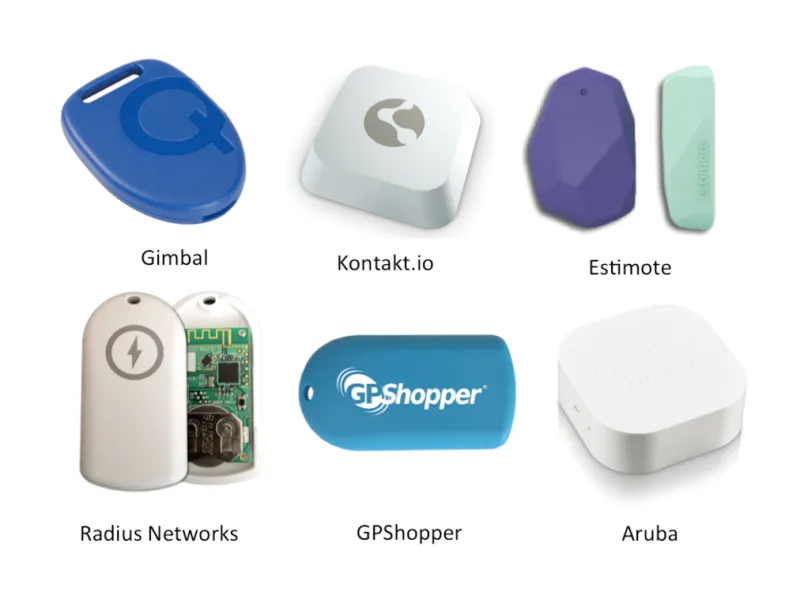
When choosing, pay attention to battery life, supported protocols (iBeacon, Eddystone, AltBeacon), range, and whether a dashboard is available to monitor battery levels and firmware updates.
If you plan to use your beacons with a PandaSuite app, make sure they support the Eddystone protocol: it’s the standard we use for its cross-platform reliability.
Create a Beacon App with PandaSuite
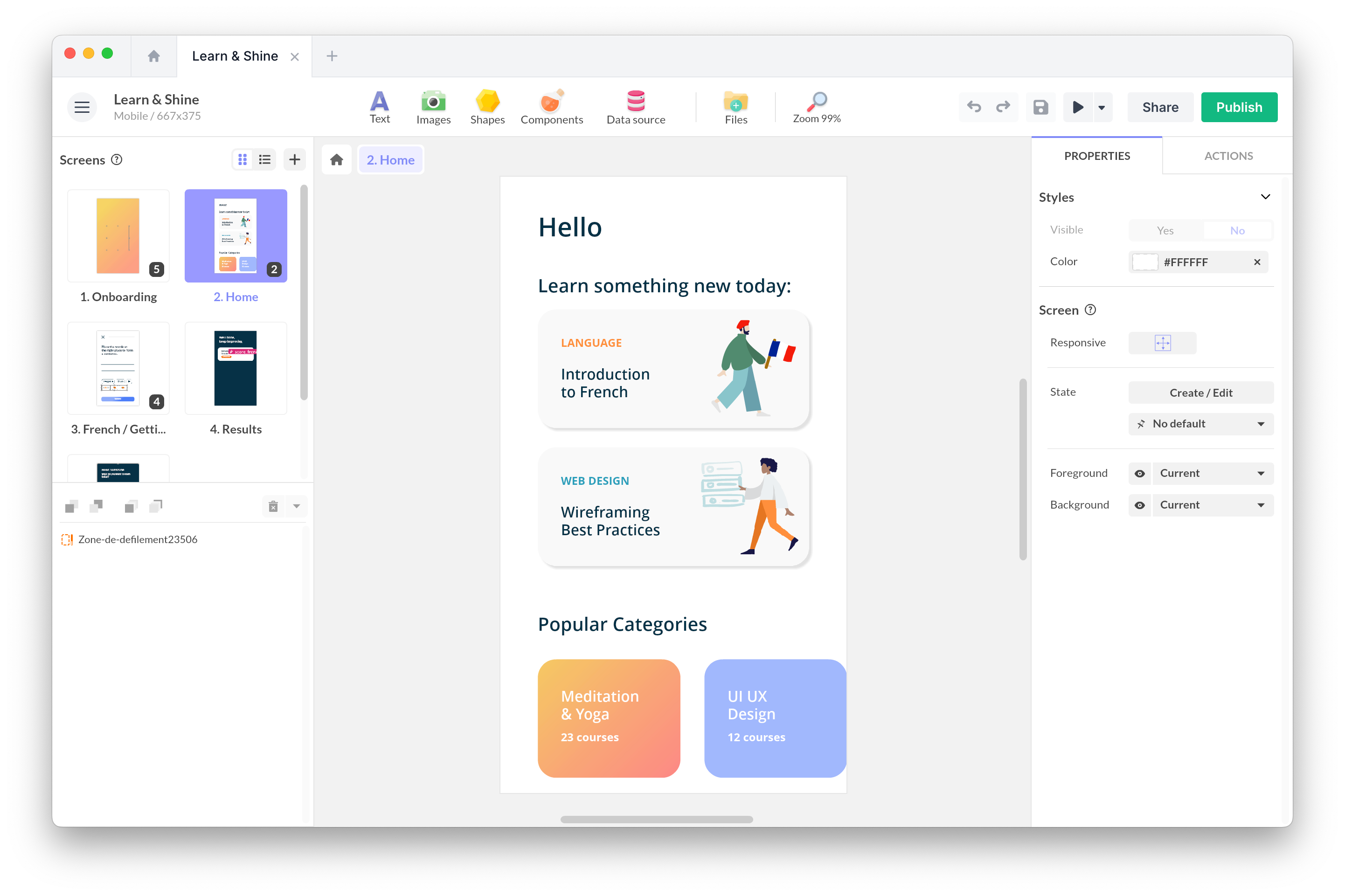
No need to write a single line of code to build an app that reacts to beacons. With PandaSuite, you design your screens visually, associate content with specific beacon identifiers, and publish to iOS and Android.
What does this look like in practice? You place your beacons at your venue, then in PandaSuite Studio, you define what happens when each beacon is detected: display a screen, play an audio track, show a notification, launch a quiz. The visitor walks and explores; the app does the rest.
Want to try it? Check out our step-by-step beacon tutorial in our help center to get started.
Beyond Beacons
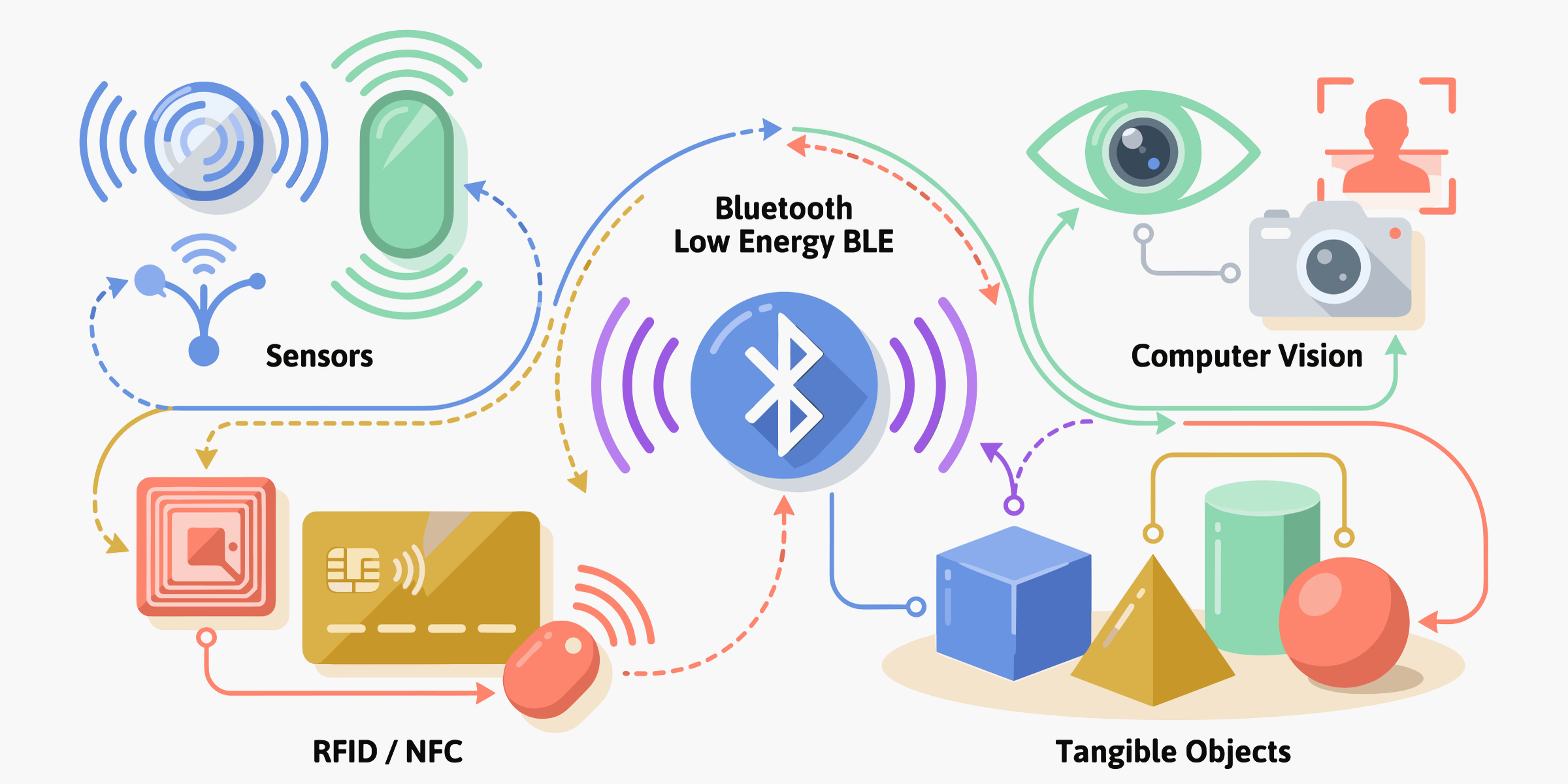
Beacons are a great entry point into interactivity, but they’re just one piece of the puzzle. QR codes, NFC, RFID, image recognition, tangible objects: each technology has its own strengths and constraints, and combining them thoughtfully can turn a good project into a truly memorable experience.
To explore all the options and find the right fit for your context, check out our full guide: Interactive Technologies: A Guide to Choosing the Right One.